User workspaces
User workspaces provide browser-based IDEs running in Kubernetes containers, giving developers on-demand access to editors, language servers, debugging tools, and application runtimes without local setup.
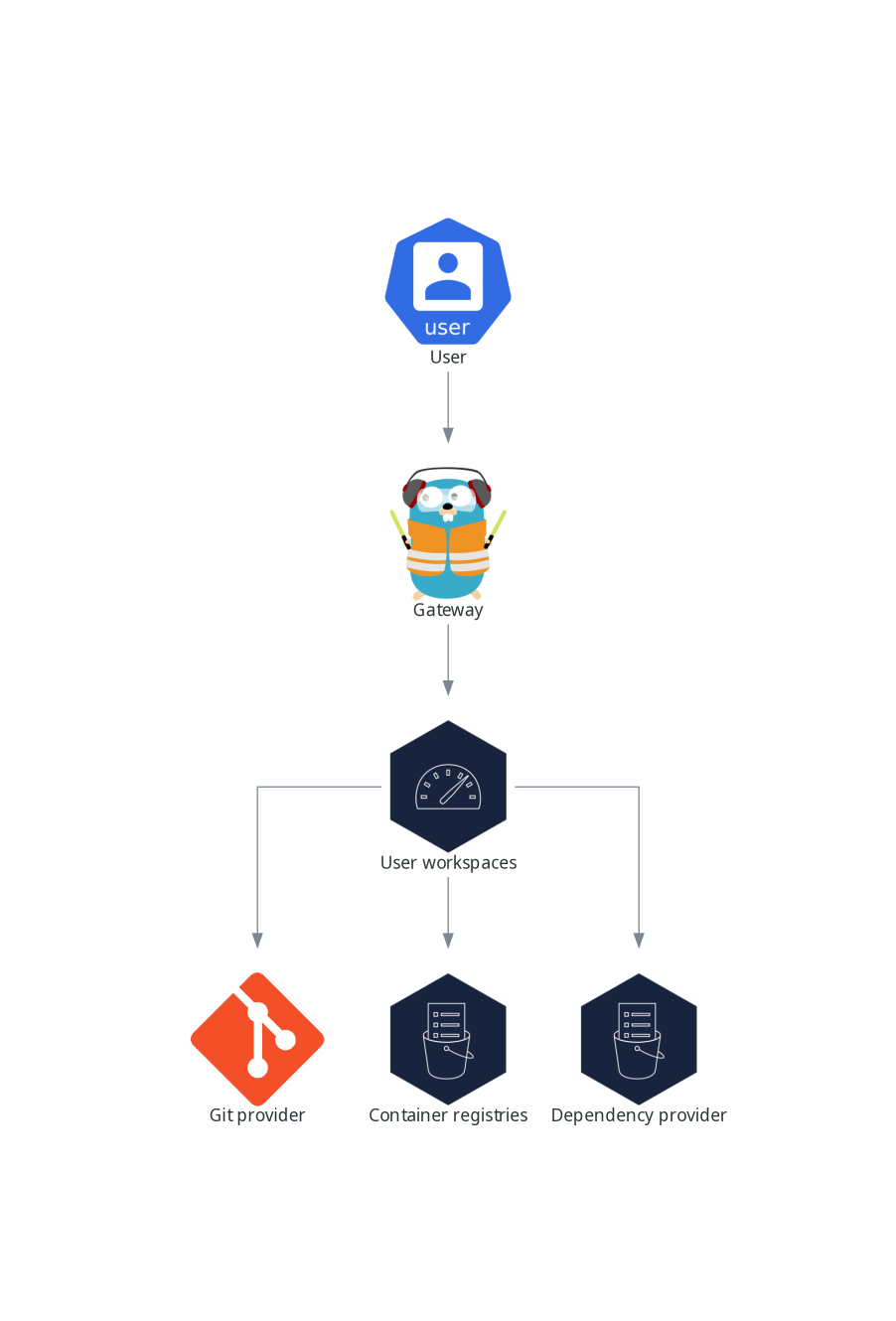
User workspaces are web IDEs running in containers.
A User workspace is a web application. It consists of microservices running in containers providing all the services of a modern IDE running in your browser:
-
Editor
-
Language auto-completion
-
Language server
-
Debugging tools
-
Plug-ins
-
Application runtimes
A workspace is one Kubernetes Deployment containing the workspace containers and enabled plugins, plus related Kubernetes components:
-
Containers
-
ConfigMaps
-
Services
-
Endpoints
-
Ingresses or Routes
-
Secrets
-
Persistent Volumes (PV)
A Che workspace contains the source code of the projects, persisted in a Kubernetes or OpenShift Persistent Volume (PV). Microservices have read/write access to this shared directory.
Use the devfile v2 format to specify the tools and runtime applications of a Che workspace.
The following diagram shows one running Che workspace and its components.
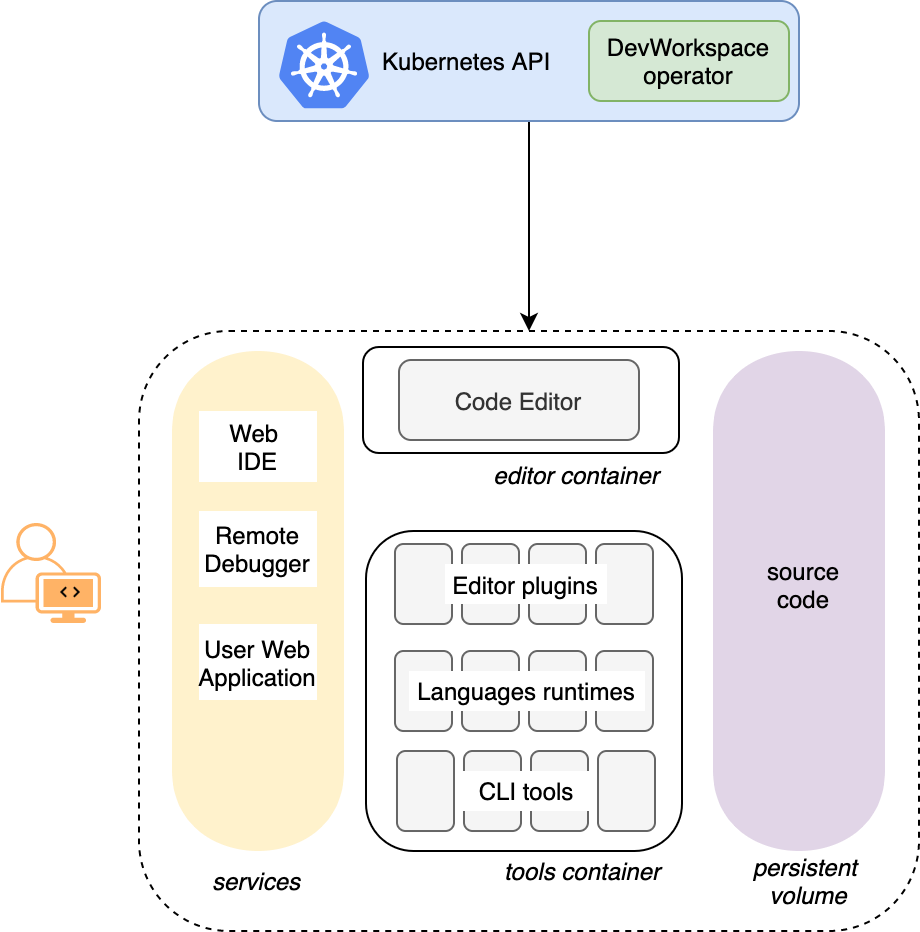
In the diagram, there is one running workspaces.